
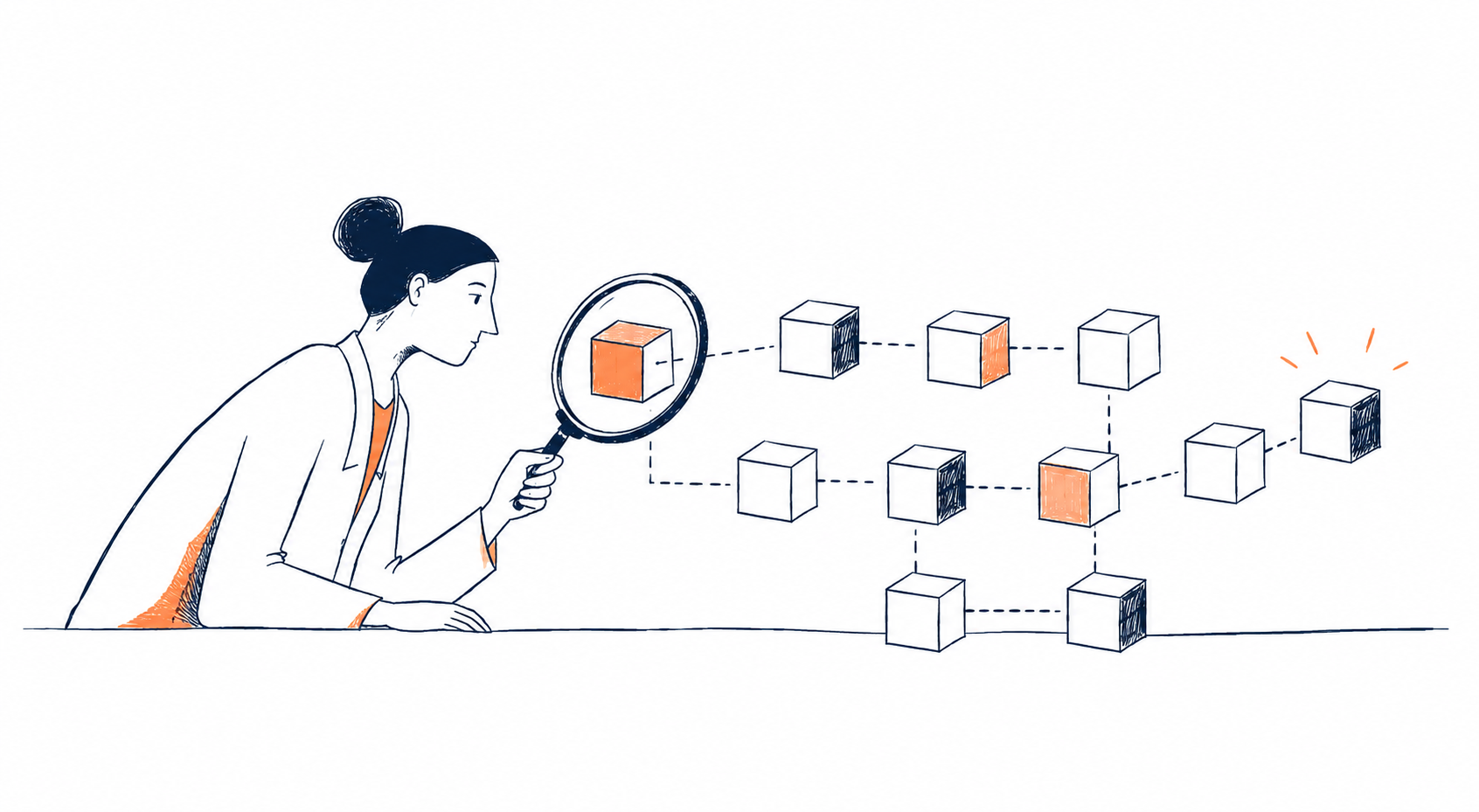

You send some crypto, the wallet says the transaction was submitted, and then you wait. But what actually happened after you pressed “send”?
The simplest way to check is not to rely solely on the wallet or exchange interface. A block explorer lets you look directly at the blockchain record and verify whether a transaction was processed, where the funds went and what the network recorded.
That can sound intimidating at first. Blockchain transactions are full of long strings of letters and numbers, unfamiliar labels and technical details. The good news is that you do not need to understand all of them.
For most everyday checks, a handful of fields tells you almost everything you need to know.
A block explorer shows the blockchain record behind a crypto transaction
A blockchain is a public record, but it is not designed to be especially comfortable to read. A block explorer is the interface that makes that record searchable.
Different networks have different explorers, although some tools support several chains. Ethereum users, for example, may use an Ethereum explorer to search transactions, addresses and blocks.
The most useful starting point is usually the transaction hash, also known as a transaction ID or TX hash. This is a unique string associated with a particular transaction. Paste it into the search field of the explorer and you can open the corresponding transaction page.
From there, the explorer can show details including the transaction status, the sending and receiving addresses, the asset involved, the amount, the transaction fee and the block in which the transaction was recorded.
That distinction matters because a wallet app gives you a simplified view of an event. The explorer gives you access to the underlying on-chain record.
How to check a crypto transaction with a block explorer
Suppose you have sent ETH from one wallet to another and want to make sure the transfer went through.
Start by making sure you are using the explorer for the correct blockchain. A transaction sent on one network will not appear when you search the wrong chain.
Next, copy the transaction hash from your wallet or exchange and paste it into the explorer’s search bar.
The first thing to check is the status. Depending on the network and explorer, you may see labels such as successful, pending or failed. A successful transaction means the network has recorded and processed the operation. A failed transaction, on the other hand, means the intended action was not completed, even though a fee may still have been charged.
Then check the addresses.
The from address is the account that initiated the transaction, while the to address is the destination shown by the transaction. Comparing these with the address you intended to use is one of the simplest ways to spot a mistake.
The asset and amount come next. If you meant to send ETH, USDT or another token, make sure the explorer shows the expected asset and value.
Finally, look at the block and confirmation information. Once a transaction has been included in a block, it becomes part of the blockchain’s recorded history. As additional blocks are added after it, the transaction gains further confirmations on networks where that concept applies.
You do not need to memorise every field on the page. The practical question is much simpler: does the record match what you intended to send?
The transaction fee can explain why the amount received looks different
Fees are another common source of confusion when checking a transaction.
The amount you send is not always the same as the total amount that leaves your wallet. Depending on the network and transaction type, there may be a separate fee paid to process the operation.
On Ethereum, for instance, transactions use gas to determine the computational work required by the network. An explorer can show the transaction fee and related information, helping you understand why your balance changed by slightly more than the amount you intended to transfer.
This is particularly useful when someone sees a lower-than-expected balance and assumes that the transaction itself was incorrect.
The explorer can separate the two things: the value transferred and the cost of processing the transaction.
That is one of the reasons a transaction page can be more useful than a simple “sent” or “completed” message inside a wallet.
What does a wallet address tell you?
You do not always need a transaction hash to use a block explorer. Searching for a wallet address can show its wider transaction history.
Instead of looking at one event, you can see a sequence of incoming and outgoing transactions and, depending on the network and explorer, balances or token activity associated with the address.
This is useful when you want to answer a slightly different question: not just “did this transaction happen?”, but “what has this address been doing?”
For example, a wallet may receive funds, send part of them somewhere else, interact with a smart contract and later receive tokens. Looking at those transactions together can provide a much clearer picture than opening each transfer in isolation.
But this is also where it becomes important not to overinterpret what you see.
A public address does not automatically reveal the real-world identity of the person controlling it. The blockchain can show that funds moved between two addresses without telling you whether the transfer was a payment, an internal transfer, a trade or something else entirely.
Some explorers add labels to known addresses belonging to exchanges, protocols or other entities. These labels can make a transaction easier to read, but they do not turn the blockchain into a database of people’s identities.
Why some transactions look much more complicated than others
A straightforward transfer between two wallets may be easy to read. Transactions involving smart contracts can look very different.
A smart contract is software deployed on a blockchain that can execute predefined actions. When you interact with a decentralised exchange, lending protocol or another blockchain application, you may not simply be sending coins from one wallet to another. You may be calling a function in a contract that triggers several on-chain actions.
That is why an explorer can sometimes show token transfers, contract interactions or multiple internal movements on the same transaction page.
For a beginner, the important point is not to decode every technical field. It is to recognise that the transaction may contain more than a simple transfer.
An explorer can therefore reveal details that the application’s own interface has compressed into a single button labelled “swap”, “deposit” or “approve”.
This is also where the tool becomes useful for basic verification. If a transaction involves a token or protocol you do not recognise, the explorer can help you inspect the contract address and see what was actually recorded on-chain.
What a block explorer cannot tell you
There is a limit to how much information you can extract from a transaction page.
A block explorer is good at answering factual questions about the blockchain: was the transaction recorded? Which address initiated it? Which address received the funds? What asset was involved? How much was transferred? What fee was paid? Which block contains the transaction?
What it cannot tell you automatically is why the transaction happened.
A movement between two addresses could be a payment, a transfer between someone’s own wallets, a trade, a protocol interaction or something else. The blockchain records the transaction itself, not the human explanation behind it.
This is an important distinction because blockchain transparency is sometimes misunderstood as complete visibility.
The data may be public while the people and circumstances behind it remain unclear.
In other words, a block explorer can give you evidence of what happened on-chain without necessarily giving you the full story.
When should you actually check a transaction on-chain?
You do not need to open a block explorer every time you send crypto. But it becomes particularly useful when the information shown by a wallet, exchange or another person leaves room for doubt.
For example, someone may tell you that a payment has been sent but only provide a screenshot. A transaction hash gives you something much stronger to verify: you can search the hash on the relevant network and check whether a matching transaction exists.
The same applies when a deposit has not appeared in an exchange account, when a transfer seems stuck, or when the amount received is different from what you expected.
In those situations, the explorer acts as a second source of truth.
It does not replace the wallet or exchange. It gives you another layer of information, directly from the blockchain record.
The simplest way to read a block explorer
A block explorer can look like a technical dashboard, but most basic checks require only a short routine.
First, identify the network. Then find the transaction hash and search for it. Check the status, compare the from and to addresses, verify the asset and amount, and look at the fee and block information.
If the transaction involves a smart contract, take one extra moment to see what kind of interaction was recorded.
That is enough for many everyday situations.
The real value of a block explorer is not that it makes someone an expert in blockchain technology. It is that it reduces the amount of trust placed in a simplified interface.
When a wallet says a transaction was sent, the explorer lets you ask a more precise question: what did the blockchain actually record?
Once you know where to look, the answer is usually much easier to find than the long strings of numbers on the screen initially suggest.